
 Sign in with Telegram
What Is a Telegram Membership Bot? (Clear Answer)
A Telegram membership bot invites paying members and removes expired ones by tying chat access to payment state. Learn what it does and what it is not.
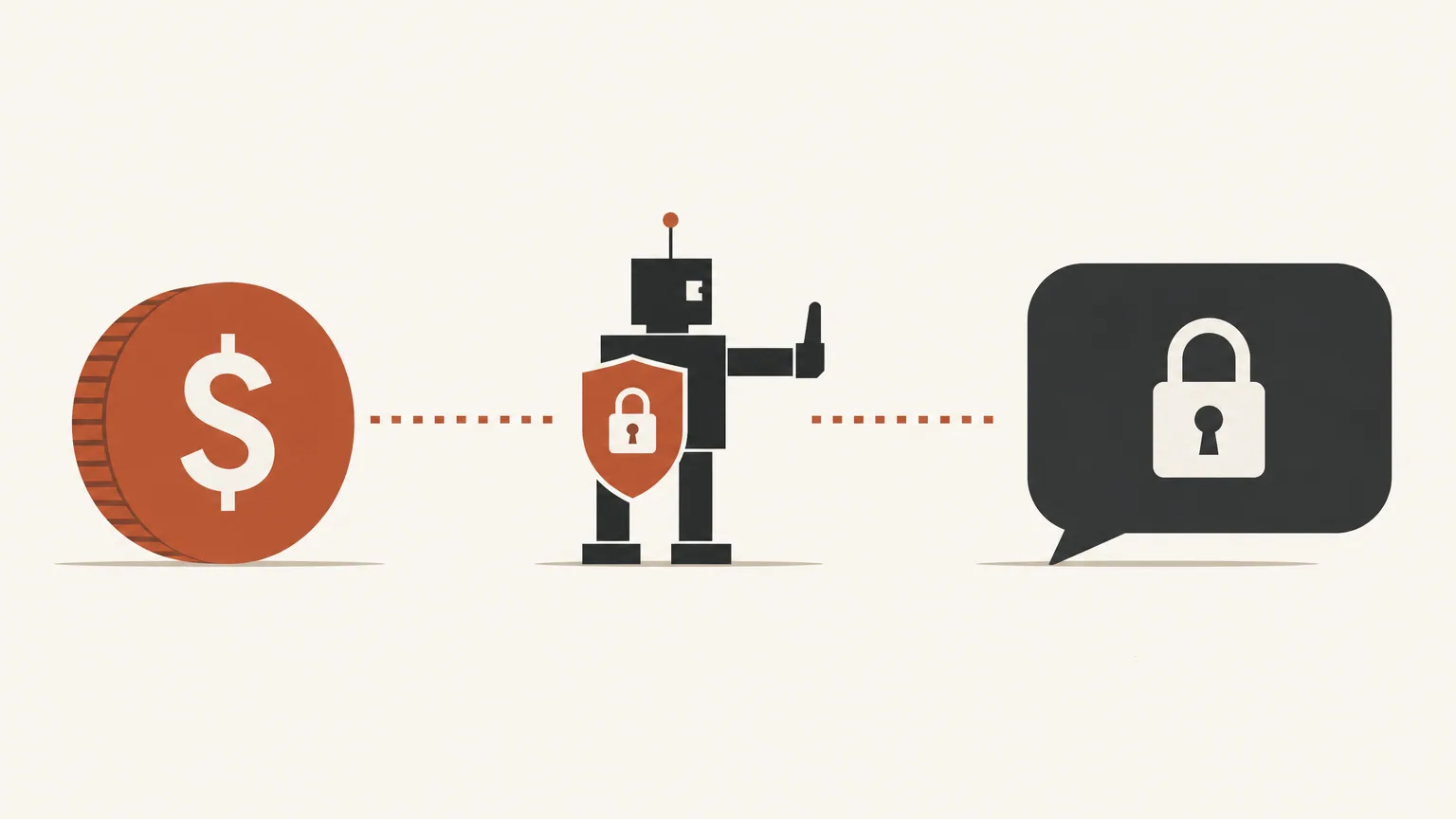
A telegram membership bot is software that sits between your payment provider and a private Telegram channel or group. Paying buyers get in. Expired, cancelled, or failed members get removed. Without that link, you are the membership bot: copying invite links, chasing declined cards, and hoping nobody forwarded last month’s URL.
Key takeaways
- A membership bot’s job is access control tied to payment state, not content posting.
- Invites happen after payment confirms; removals happen when the paid period (plus grace) ends.
- Cards and crypto are handled by your connected payment accounts, not by “the bot as a bank.”
- Permanent invite links defeat the bot. Short-lived, payment-gated joins are the point.
- MemberPilot uses a shared bot you add as admin. You connect your own Stripe and optional crypto providers.
What a membership bot does
Three jobs, in order:
- Sell access through a checkout (and sometimes trials or access codes).
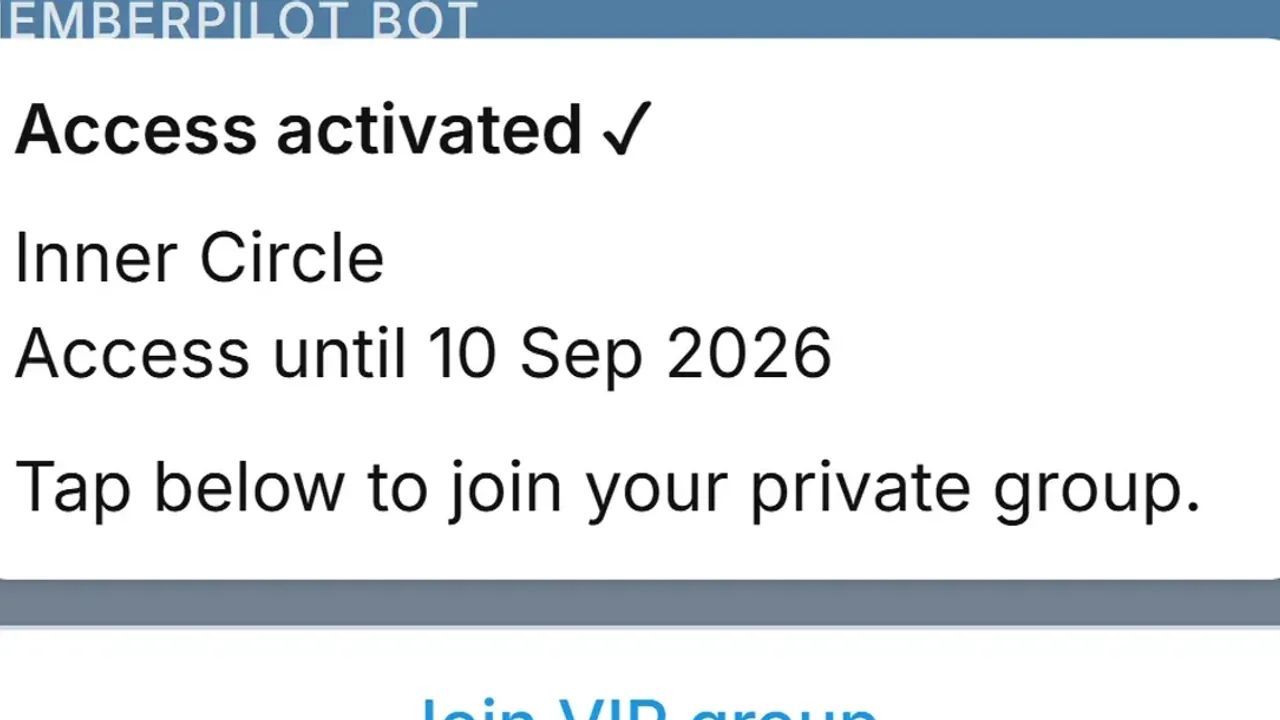
- Invite the paying Telegram account into your private channel or group.
- Remove that account when entitlement ends.
Under the hood it uses Telegram Bot API methods such as createChatInviteLink and banChatMember. The bot must be an administrator with permission to invite users and restrict members. Otherwise the “automatic” part never fires.
What a membership bot is not
It is not a replacement for your Stripe account. It is not Telegram Stars billing (and MemberPilot does not support Stars, PayPal, or Binance Pay). It is not a content CMS. If your problem is “nobody knows I exist,” fix distribution. If your problem is “unpaid people still read the VIP room,” you need membership automation.
How payment and access split
Money movement belongs to providers you connect: Stripe for cards, NOWPayments or CCPayment for crypto. Sales settle to those accounts. MemberPilot never holds creator revenue. There is no monthly fee for creators; customers pay a 5% service fee at checkout on top of your price.
Door control belongs to the bot and the membership rules: invite after webhook confirmation, remove after period end plus grace (grace defaults to 0 days). A failed card does not mean an instant kick; Stripe retries on its schedule, and access follows the period rules. See auto remove expired Telegram members for that timeline.
Shared bot vs “bring your own bot”
Some tools ask you to create a bot in BotFather and paste a token. MemberPilot does not. You add the MemberPilot bot as an admin on communities you own, connect your payment accounts under Payments, and share your checkout link. You still own the channel or group and the payout accounts.
For the card path specifically, read Accept Stripe payments in a Telegram group. To harden invites against forwarding, read stop sharing Telegram invite links.
When you actually need one
You need a membership bot when:
- Access is the product (VIP channel, private group, signals room).
- More than a handful of people pay, so manual kicks fail.
- You care that cancelled members leave on time.
You do not need one to post free updates in a public channel.
Common failure modes
Forever invite in the bio. The bot can be perfect and still lose if your public link never expires. Membership tools issue short-lived joins after payment for a reason.
Kicking on the first card decline. That punishes people who update an expired card during Stripe’s retry window. Period end plus grace (default zero) is the honest rule.
Thinking the bot holds the money. If payouts sit in a platform wallet you do not control, that is a different product shape. With MemberPilot, card and crypto settle to accounts you connect.
Choosing the wrong chat type. A membership bot can gate a channel or a group. It cannot fix a broadcast product that needed discussion, or a noisy group that needed a clean feed. Sort that in channel vs group before you obsess over bot settings.
Start with the door, not the branding
If unpaid access is the leak, connect checkout to Telegram admin rights and stop pasting forever invites. Start for free, review pricing, or contact with setup questions.
Frequently asked questions
- What is a Telegram membership bot in plain terms?
- It is a bot that controls who can enter a private channel or group based on whether they paid. After payment it sends an invite. When the paid period ends, it removes access. It is not Telegram’s built-in billing product.
- Does a membership bot process card payments inside Telegram?
- Usually no. Card subscriptions run through a connected Stripe account on a web checkout. Crypto can run through NOWPayments or CCPayment. Telegram Stars are not a MemberPilot payment method.
- Do I need to create my own bot in BotFather for MemberPilot?
- No. You use MemberPilot’s shared Telegram bot. Add it as an admin to your private channel or group with invite and restrict rights. You do not paste your own bot API token.
- Can a membership bot stop shared invite links?
- Yes, if it issues short-lived join paths after payment and only approves buyers with active access. A permanent invite pasted in chats will always leak no matter how clever the bot name sounds.
- Is MemberPilot affiliated with Telegram?
- No. MemberPilot is an independent third-party service that uses Telegram’s public Bot API. It is not affiliated with or endorsed by Telegram.
Sources
- Telegram Bot API reference · Telegram
- Stripe Connect documentation · Stripe