
 Sign in with Telegram
Launch a Paid Telegram Membership in About 10 Minutes
Go from an empty workspace to a live checkout in about ten minutes: add the bot, connect Stripe, price one offer, and invite paying members automatically.
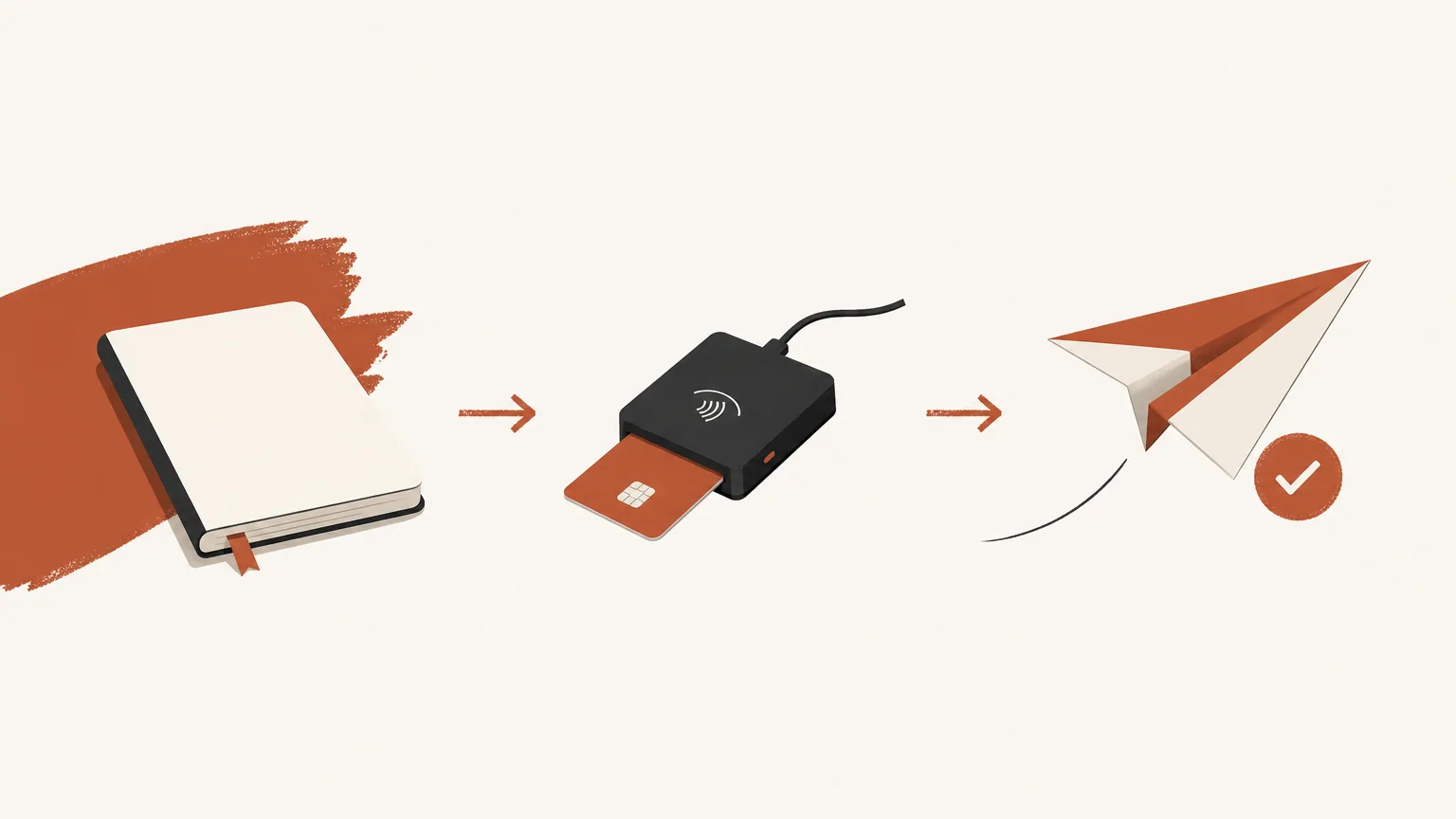
You do not need a custom bot build to launch paid telegram membership. You need a private chat, a payment account you own, one priced offer, and a bot that can invite and remove people when payment state changes. Done in that order, most creators can go live in about ten minutes after Stripe onboarding is finished.
Key takeaways
- Add MemberPilot’s shared bot as admin (invite + restrict). No BotFather token paste.
- Connect your Stripe for cards; optional NOWPayments or CCPayment for crypto.
- Create one offer, set the price, attach the private channel or group.
- Share the checkout link; invites and removals run from payment state.
- No monthly creator fee; customers pay a 5% service fee at checkout. Grace defaults to 0 days.
What you need open before the clock starts
Have these ready so the setup is not a scavenger hunt:
- A private Telegram channel or group you control (or create one in two taps).
- A Stripe account in a country Stripe supports. Optional: NOWPayments or CCPayment for crypto.
- Ten quiet minutes and admin rights on that chat.
You do not need code, a custom bot, or Telegram Stars. MemberPilot is an independent service and is not affiliated with or endorsed by Telegram.
How to launch a paid Telegram membership
1. Sign in and add the bot as admin (about 2 minutes)
Create or open your MemberPilot workspace. Add the MemberPilot bot as an administrator on your private channel or group. Grant rights to invite users and restrict members. Without those two permissions, automatic joins and removals will not work.
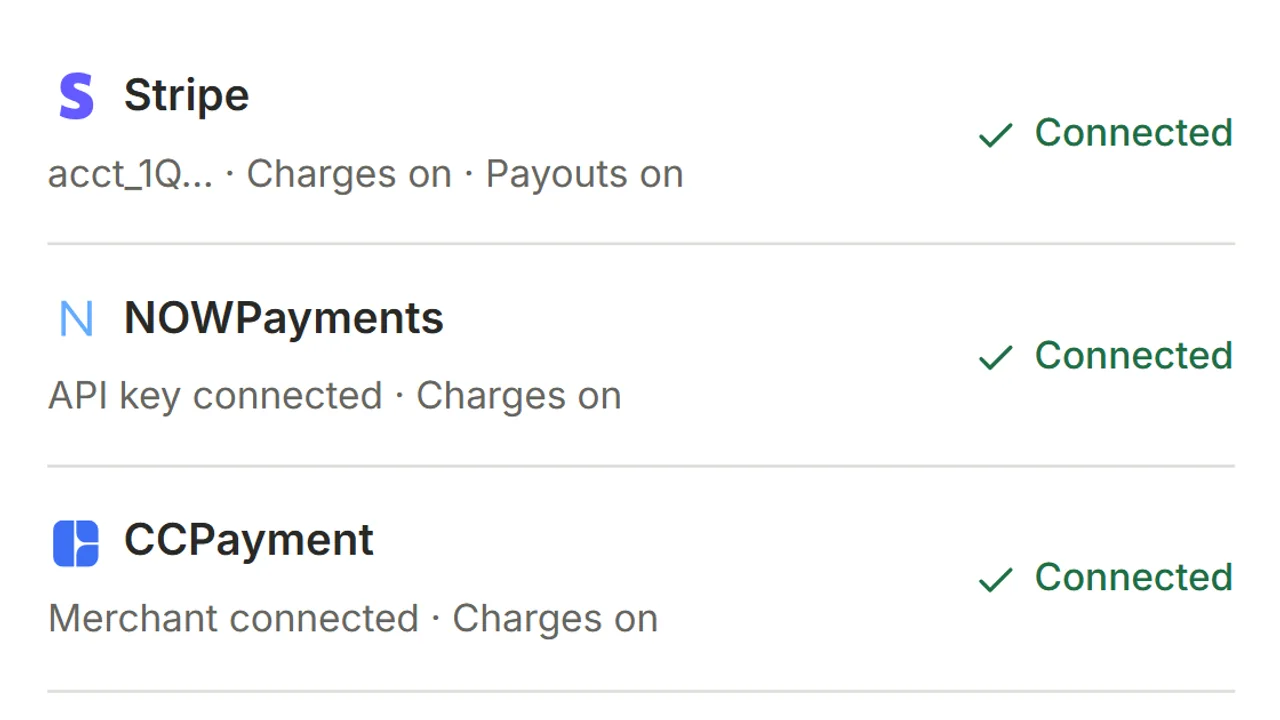
2. Connect Stripe under Payments (about 3 minutes, longer if Stripe needs docs)
Open Payments and connect Stripe through Stripe’s hosted Connect onboarding. Approve the connection and confirm charges are available. Card sales settle to your connected Stripe account. MemberPilot never holds your revenue.
Want crypto on the same checkout stack? Connect NOWPayments or CCPayment on the same Payments page. Telegram Stars, PayPal, and Binance Pay are not supported.
3. Connect the community and create one offer (about 3 minutes)
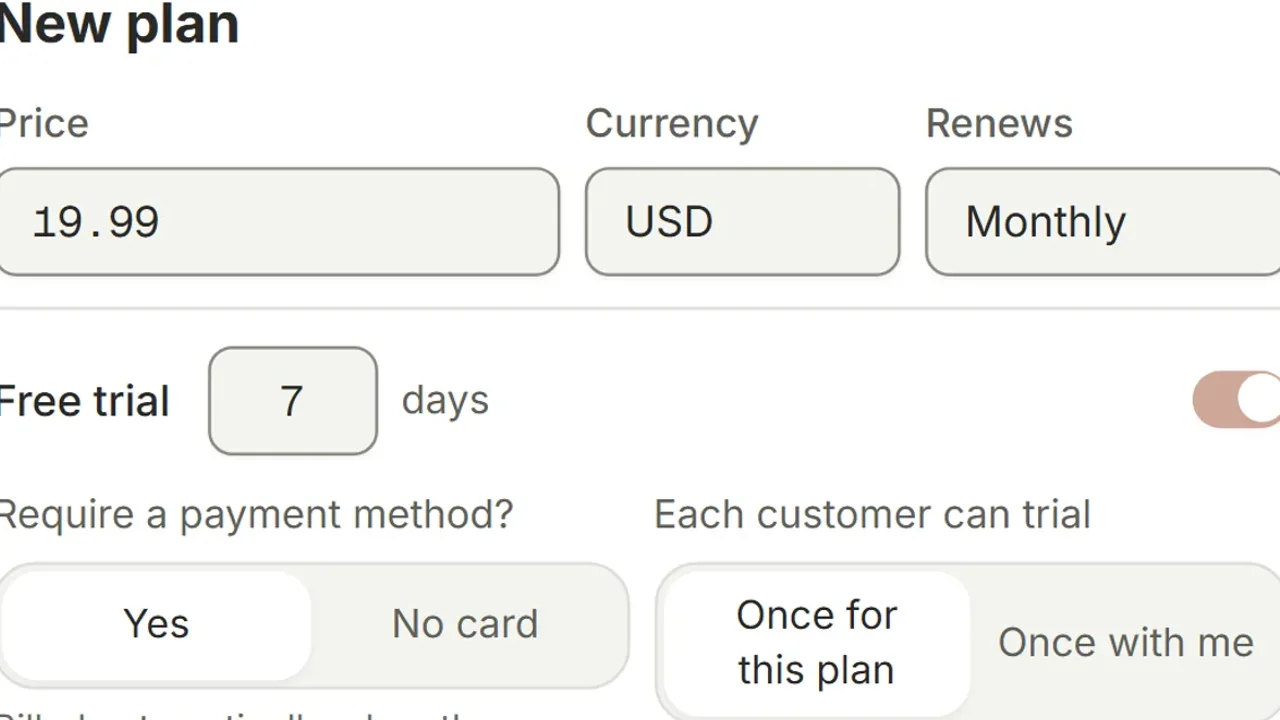
Connect the private chat in your workspace, then create an offer that gates it. Set a monthly (or yearly) price. You keep the price you set. At web checkout the customer sees your price plus a 5% MemberPilot service fee, so a $20 plan charges the customer $21.
Subscription offers can include a free trial (card up front via Stripe, or a short no-card timer). Skip trials on day one if you want the shortest path to a paid sale.
4. Share the checkout link (about 1 minute)
Copy the checkout link. Post it where buyers already look: a public channel, your bio, a pinned message, an email, or a landing page. Buyers pay on the web checkout. They do not need a MemberPilot account.
For the card path in more depth, see Accept Stripe payments in a Telegram group. For monthly group pricing specifics, see charge monthly for a private Telegram group.
5. Confirm the access loop once (about 1 minute)
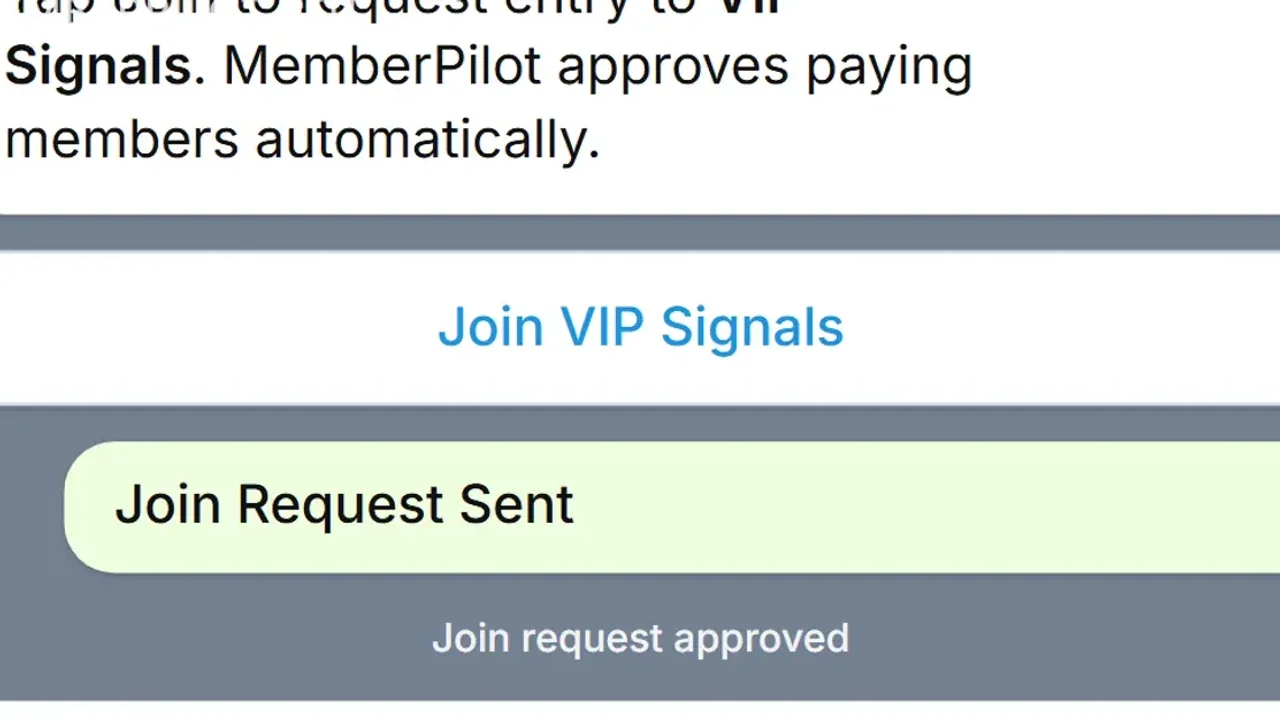
Make a small test purchase (or use a Stripe test path if you are still validating). Access starts only after the provider confirms payment. The buyer then gets a short-lived private invite that uses Telegram join requests. The bot approves people with active access. There is no permanent public invite to forward.
When someone cancels or a prepaid crypto period ends, they keep access until that period finishes. After period end plus any grace you set, they are removed. Grace defaults to 0 days, so access can end exactly when paid time ends unless you soften it. Full removal playbook: auto-remove expired Telegram members.
What “about 10 minutes” does and does not include
Included: bot admin, payment connect (when Stripe already knows you), one offer, checkout share, one sanity-check of the invite path.
Not included: Stripe identity verification if your account is brand new, writing your first month of VIP content, migrating a huge unpaid roster by hand, or designing a five-tier catalog. Launch one offer. Expand later.
Fees and money flow in one glance
| Item | Who pays / where it goes |
|---|---|
| Plan price you set | Settles to your Stripe or crypto account |
| MemberPilot 5% service fee | Paid by the customer at checkout (crypto fee billing can be recorded later when the provider cannot split in-payment) |
| Stripe / crypto processing fees | Charged by those providers |
| Monthly MemberPilot fee | None for creators |
Go live, then stop babysitting invites
If the private chat exists and Stripe is ready, the path is short: admin the shared bot, connect payments, publish one offer, share the link. Invites after payment and removals after expiry are the work you should never do from a spreadsheet again.
Frequently asked questions
- How long does it take to launch a paid Telegram membership?
- If your private chat already exists and you can finish Stripe onboarding, the MemberPilot side is roughly ten minutes: add the shared bot as admin, connect payments, create one offer, and share the checkout link.
- Do I need to create my own Telegram bot in BotFather?
- No. MemberPilot uses a shared Telegram bot. Add that bot as an admin on your private channel or group with invite and restrict permissions. You do not paste an API token.
- What payments can I accept on day one?
- Cards through your own Stripe account, and crypto through your own NOWPayments or CCPayment account if you connect them. Telegram Stars, PayPal, and Binance Pay are not available.
- When do paying members get into the chat?
- After the payment provider confirms the payment, not merely when the success page loads. MemberPilot then sends a short-lived secure join path. Expired or cancelled members leave when the paid period ends plus any grace you set.
- Is there a monthly fee to launch?
- No monthly fee for creators. Customers pay a 5% MemberPilot service fee at checkout on top of your price. Sales settle to your connected payment accounts. MemberPilot never holds your revenue.
Sources
- Stripe Connect documentation · Stripe
- Telegram Bot API reference · Telegram